What to check before using Xbox Cloud Gaming in the UK
Confirm the title, your subscription, your device and the connection you intend to play on.
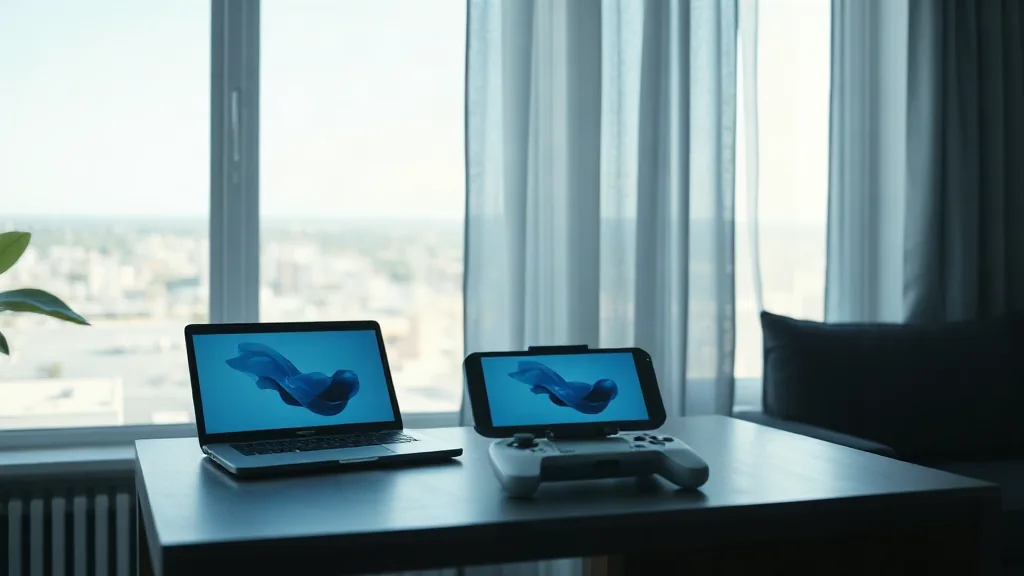
Start by finding the game in the UK Xbox Cloud Gaming catalogue. The service streams supported titles on compatible devices, so search for the exact game or edition you intend to play. Check which subscription is required for that title and compare it with the membership on your account.
Next, confirm that your intended device is compatible and check the connectivity requirements for the way you plan to play. If you’re sorting out access for more than one screen, check each device on its own.
Once those details line up, try a short session on the connection you’ll actually use. If you have trouble starting, return to the title listing, subscription and device requirements first. If the stream starts but play is uneven, check your connection against the service’s stated requirements.