How to check DualSense compatibility on your device
Check the pairing method, the game’s controller support and any features you specifically want to use.
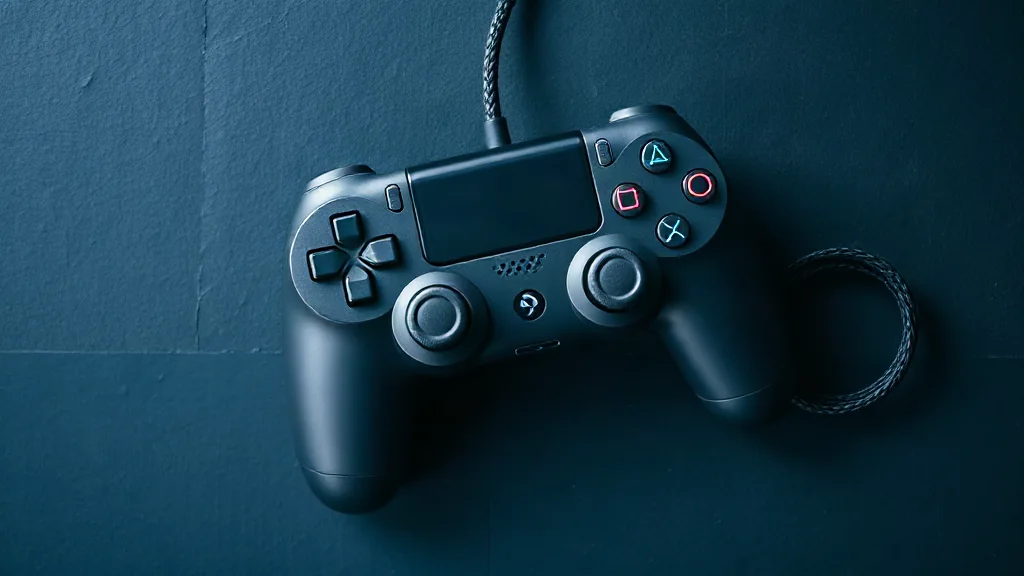
Start with the device you want to use. DualSense pairs with supported devices through Bluetooth or USB, so check which connection your device supports. If both are options, choose the connection that suits where you play and keep a USB cable to hand if a game feature calls for it.
Check support for the individual game once the controller is connected. A successful pairing tells you the controller and device can connect. The game’s own support information tells you which DualSense features it can use.
On PC, haptic feedback requires a USB connection in games that support it. If you’re checking haptics, confirm that the title supports the feature, connect over USB and check the game’s controller settings before starting a session.
Browse PC controllers on Amazon UK